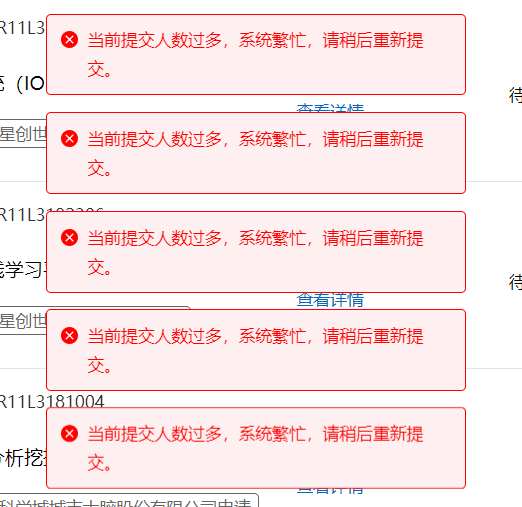
只需在:https://register.ccopyright.com.cn/account.html?current=soft_register 页面打开 浏览器得 开发者工具,
找到“提交申请”按钮元素,修改html代码添加一个 id="gogo", 最后在控制台粘贴以下脚本:
function pollClickTargetInCarousel() {
    setInterval(() => {
        try {
            const gogoElement = document.getElementById('gogo');
            if (gogoElement) {
                gogoElement.click();
                setTimeout(() => {
                    try {
                        const targetBtn = document.querySelector('.carouselFixed .hd-btn.blue.medium');
                        if (targetBtn) {
                            targetBtn.click();
                        }
                    } catch (btnError) {
                        console.error('❌ 点击目标按钮时发生错误:', btnError);
                    }
                }, 500);
            }
        }
    }, 3000);
}
if (document.readyState === 'loading') {
    document.addEventListener('DOMContentLoaded', pollClickTargetInCarousel);
} else {
    pollClickTargetInCarousel();
}
原理就是,通过js脚本自动轮询点击 与 确认,亲自实操 不到1分钟提交成功了。




发表评论 取消回复